Capture the source.
Choose Text, Camera, Photos, Files, Link or Voice. The original source stays with the card so the reason is still there when you come back.
How it works
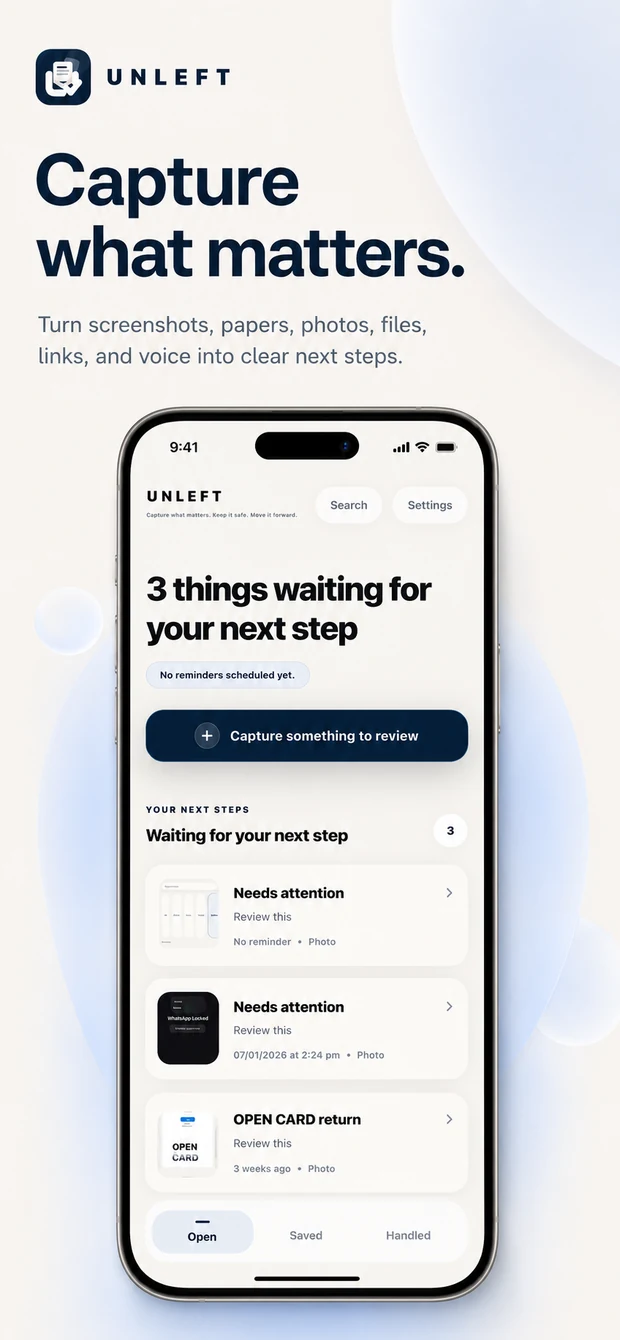
Unleft is not a full project manager. It is a focused place for the screenshots, papers, photos and thoughts you genuinely mean to return to.
Choose Text, Camera, Photos, Files, Link or Voice. The original source stays with the card so the reason is still there when you come back.
Confirm what it is, what you need to do, when it matters, whether you want a reminder and whether it belongs in Open or Saved.
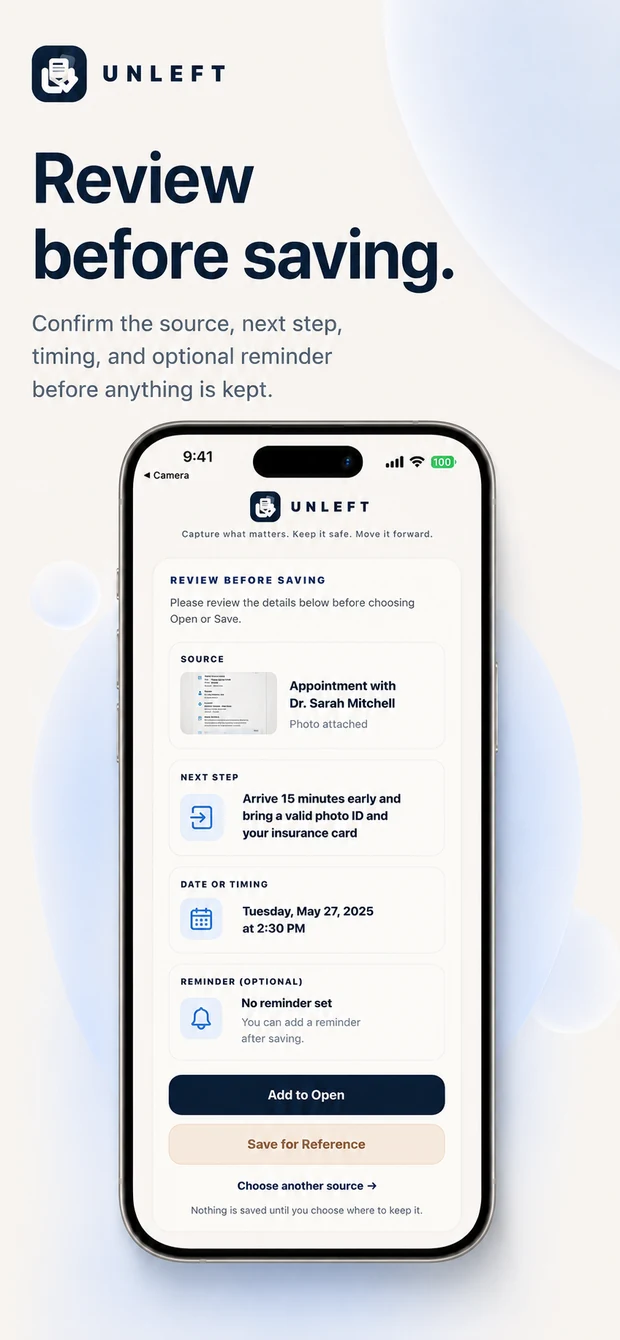
Open is for things that still need a next step. Saved is for quiet reference. Saved does not create a reminder on its own.
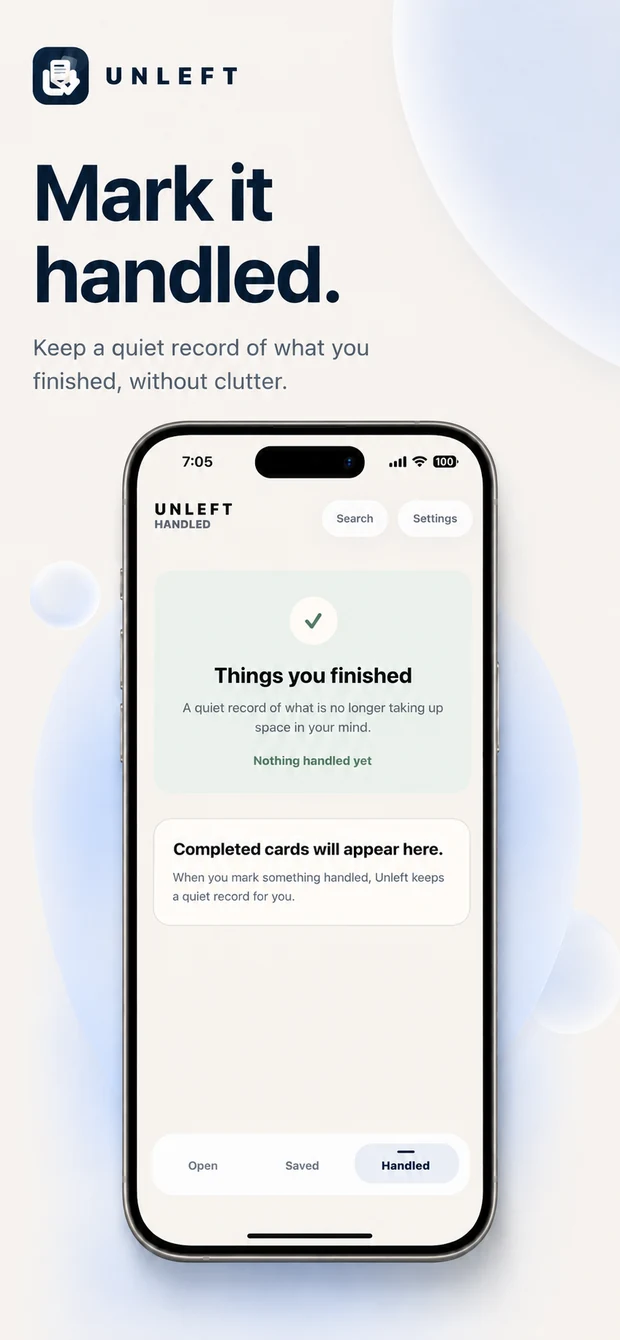
When the work is finished, mark the card Handled. Unleft clears its reminder and keeps a quiet record you can reopen later.
Designed for trust
Suggestions on your device can help, but Unleft never asks you to trust an automatic card blindly. You review what will be saved before it enters your workspace.