Capture
Start with Text, Camera, Photos, Files, Link or Voice.
From saved to handled
Keep the screenshot, receipt or note with what you need to do. Review it, add a reminder when you need one, and mark it handled.
Available for iPhone and Android. Start free.
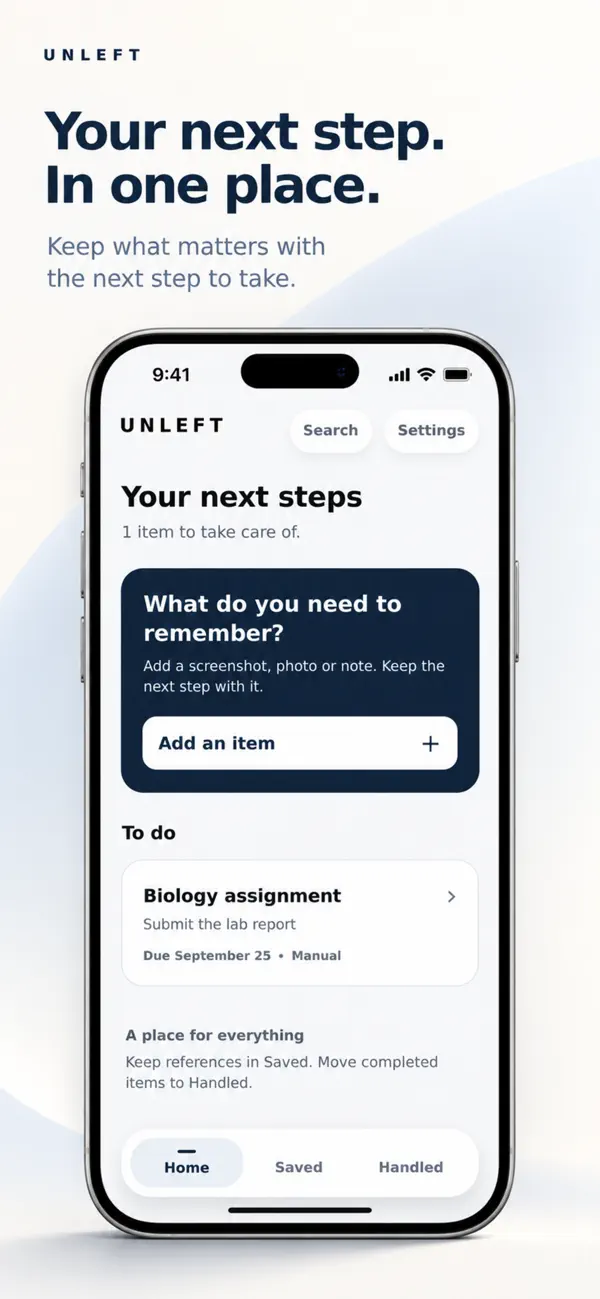
The gap Unleft closes
Screenshots disappear into Photos. Papers settle into piles. Voice notes lose their meaning. A task list keeps the action but often loses the evidence.
Unleft keeps the saved thing and the next step together, so you can return without reconstructing the whole story.
Four clear steps
Unleft is deliberately focused. Capture the source, review the details, choose where it belongs, and close the loop when it is done.
Start with Text, Camera, Photos, Files, Link or Voice.
Confirm the title, next action, timing, reminder and original source.
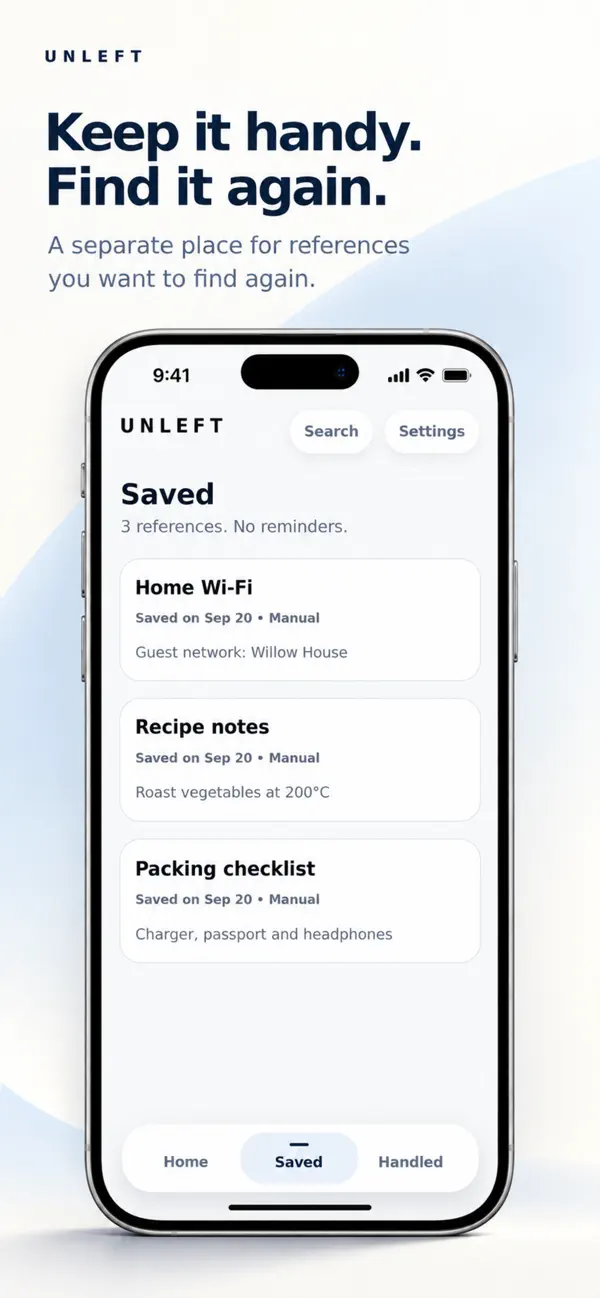
Keep it on Home when action is needed or Saved when it is useful reference.
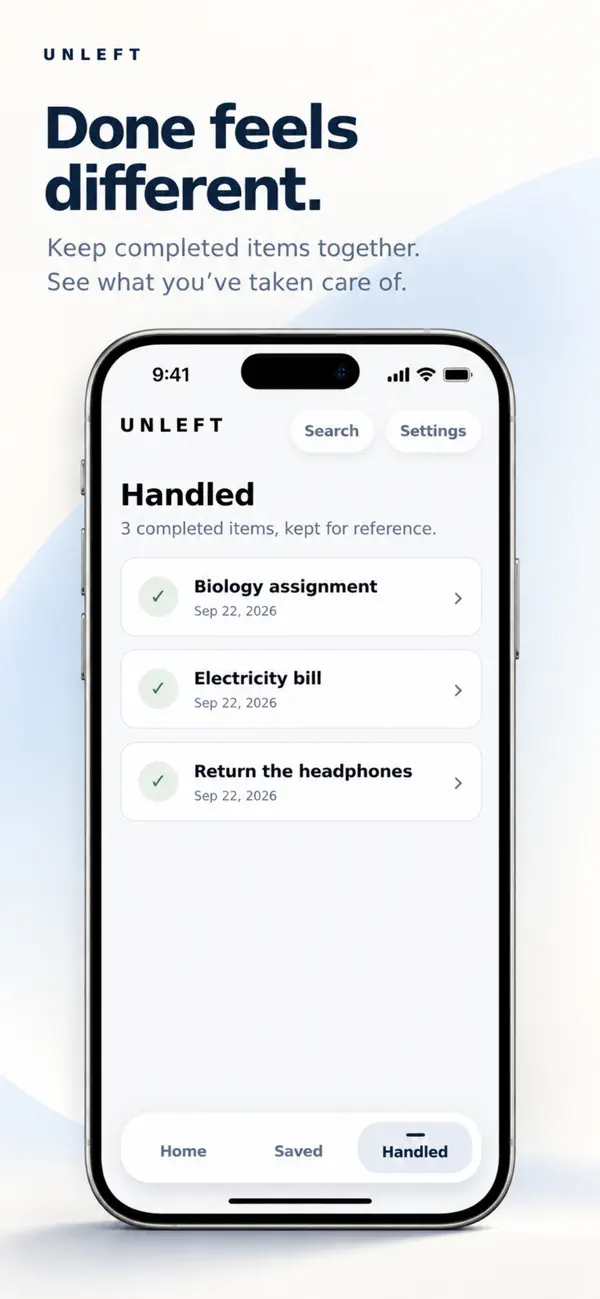
Mark it Handled when complete. Any Unleft reminder for that card is cleared.
Inside Unleft
Every screen is designed to make the next choice obvious without giving you another complicated system to manage.
Screens shown from the current iPhone listing. Android presentation may differ.
Private by design
Unleft has no public feed and does not use your private card content for advertising. Card titles, extracted text, attachments, reminders and voice content are kept separate from subscription services.
 Your private workspacePrivate card content on your device
Built for ordinary things
Simple pricing
Free includes five successful new card creations each calendar month. Premium removes the monthly creation limit.
See pricing detailsU.S. App Store prices shown. Google Play and other regions may differ. Confirm the price and any offer in the app.
Questions, answered
Only a successful new card creation. Editing, moving, handling, reopening, deleting, searching or viewing an existing card does not use the allowance.
No. Saved is quiet reference by default. A reminder is created only when you explicitly choose one.
Your existing cards stay available. You can still view, edit, search, move, handle, reopen, delete and export what you already created.
Private card content stays in your Unleft workspace on your device. Account, monthly allowance and subscription records are handled as described in the Privacy Policy.
From saved to handled
Give it a place while the reason is still clear.
 GET IT ONGoogle Play